

Descripción
Byteslim Image Optimizer makes your site faster by compressing images and serving next-generation formats — without changing how you work. New uploads are optimized automatically, and you can process your whole library in a few clicks.
Built for performance: it prefers Imagick, falls back to GD when the host restricts it, only overwrites a file when the result is genuinely smaller, and processes large libraries in memory-efficient batches that resume if interrupted.
WebP the way you want it
Choose how WebP is delivered in Settings:
- Replace (recommended) — the media file itself becomes WebP, so your Media Library shows
.webp. The original JPG/PNG is kept and can be restored in one click. - Serve alongside — the original file is never changed; WebP is delivered on the front end via a
<picture>tag with automatic fallback.
Free features
- JPEG & PNG compression (lossless PNG, transparency preserved)
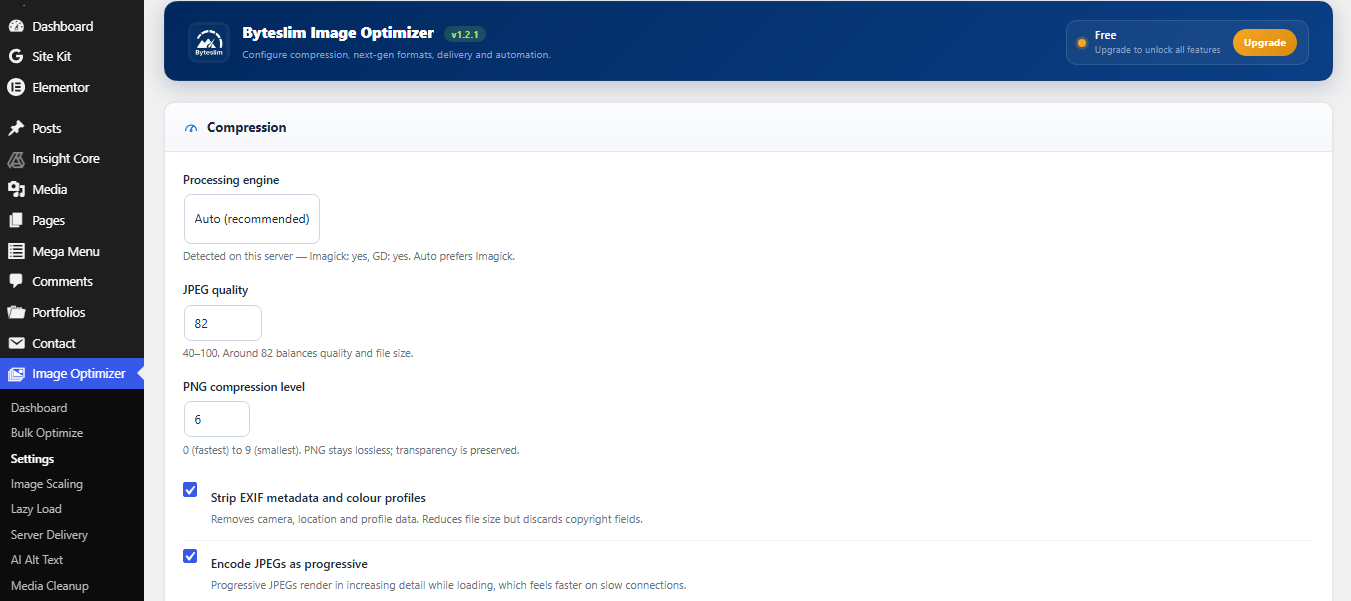
- Adjustable quality, metadata stripping, progressive JPEG
- Optimize the full image and every thumbnail size
- WebP conversion with Replace or serve-alongside delivery
- One-click “Restore original” for any WebP-replaced image
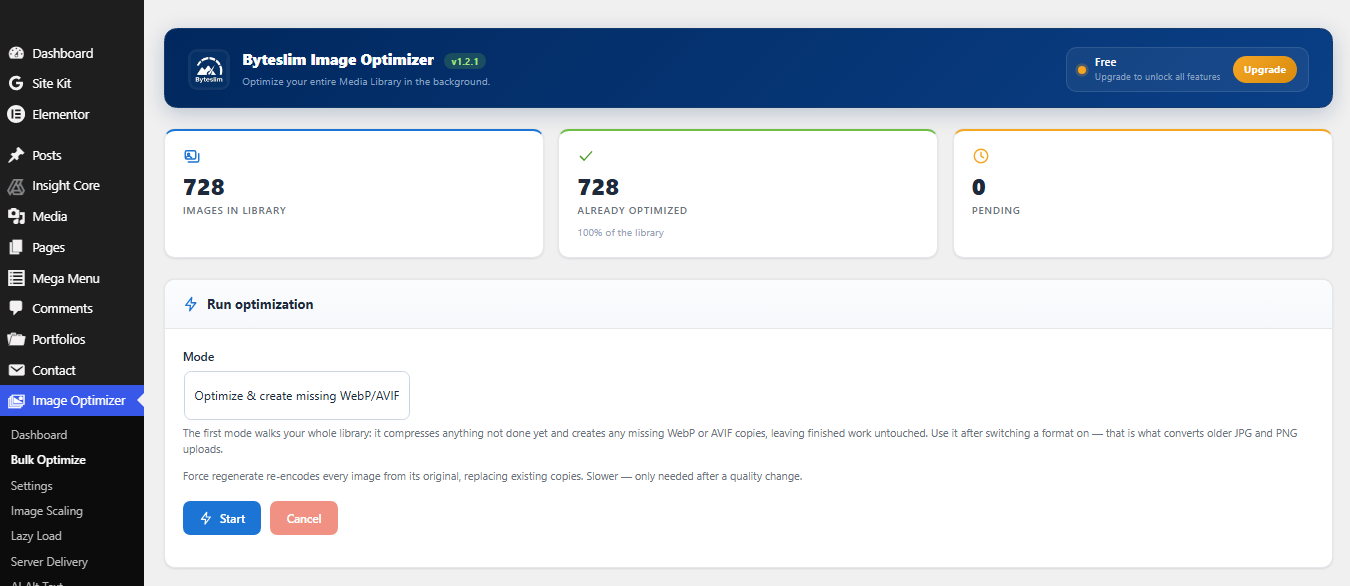
- Bulk optimizer with a progress bar that resumes after interruption
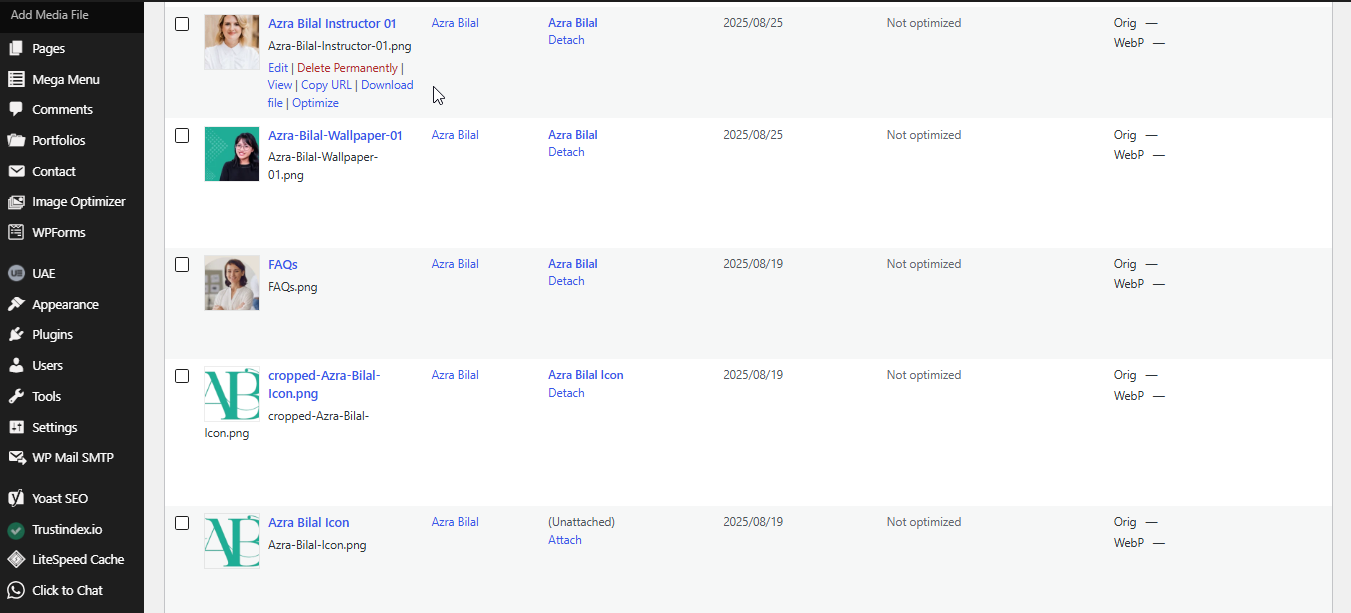
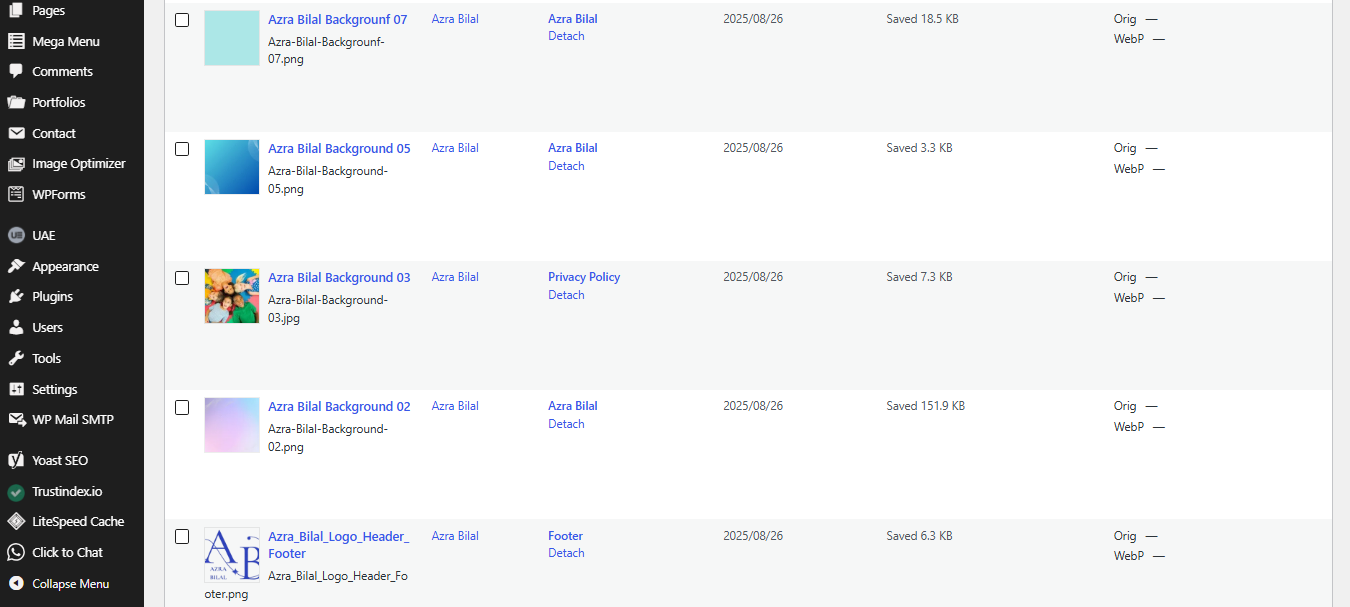
- Media Library “Optimize” action, bulk actions and status column
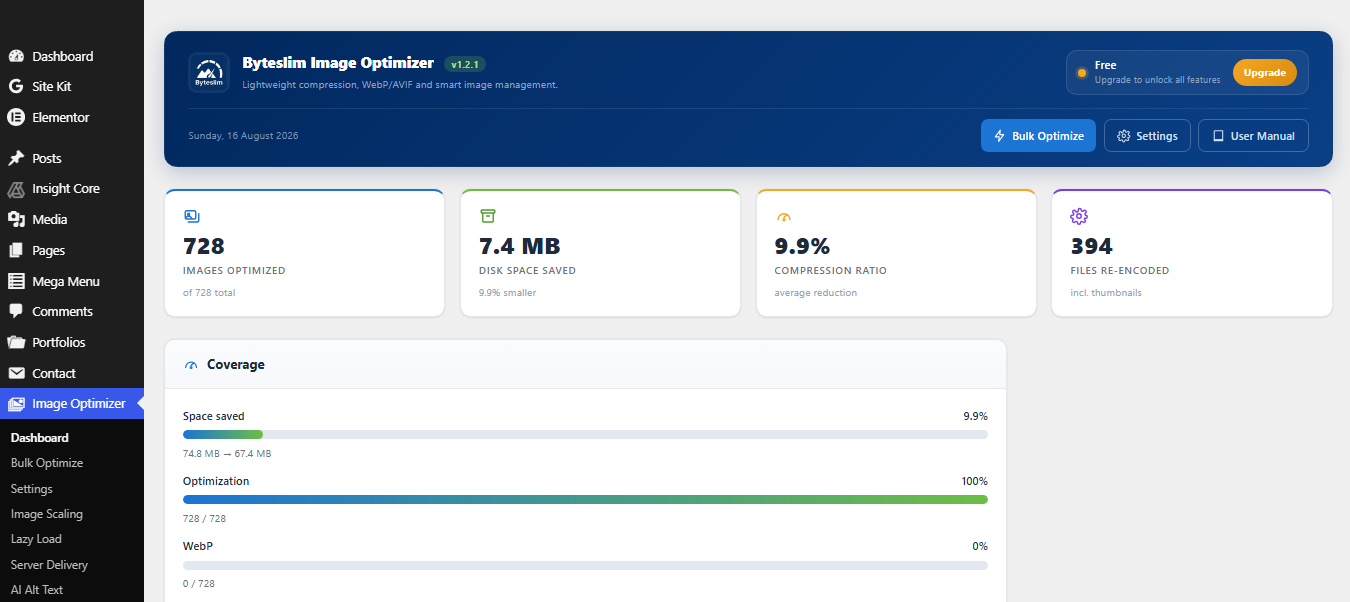
- Statistics dashboard (images optimized, space saved, compression ratio, health)
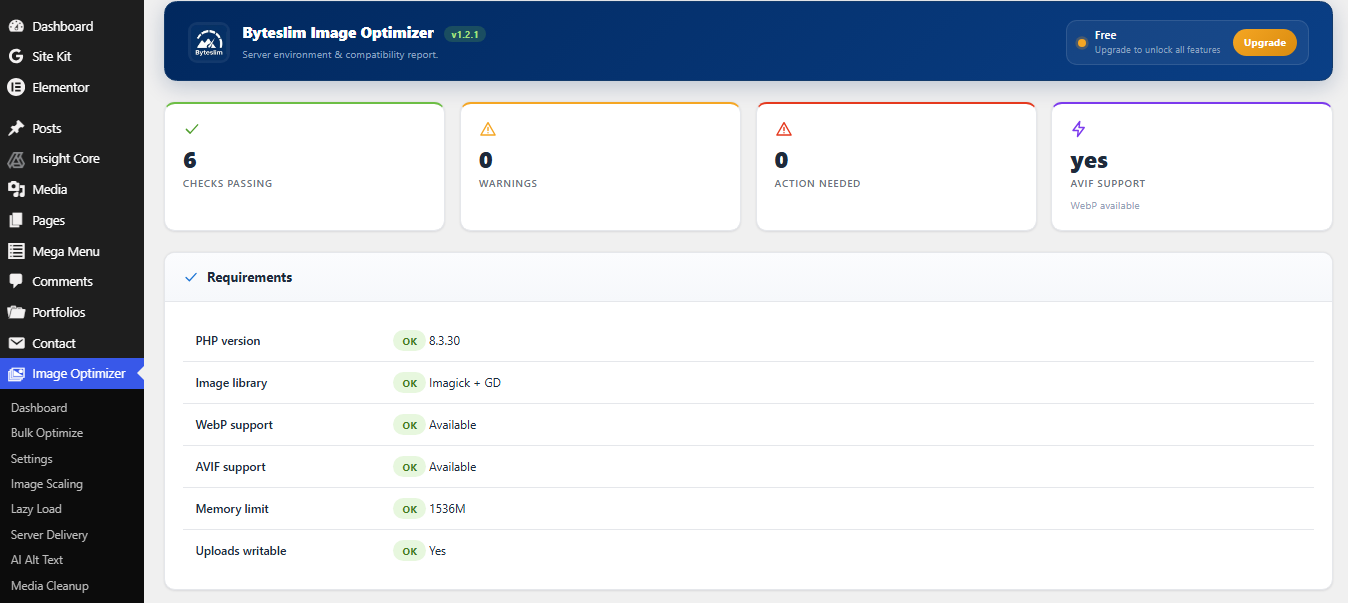
- Server status: server, PHP, WebP/AVIF and host/CDN detection
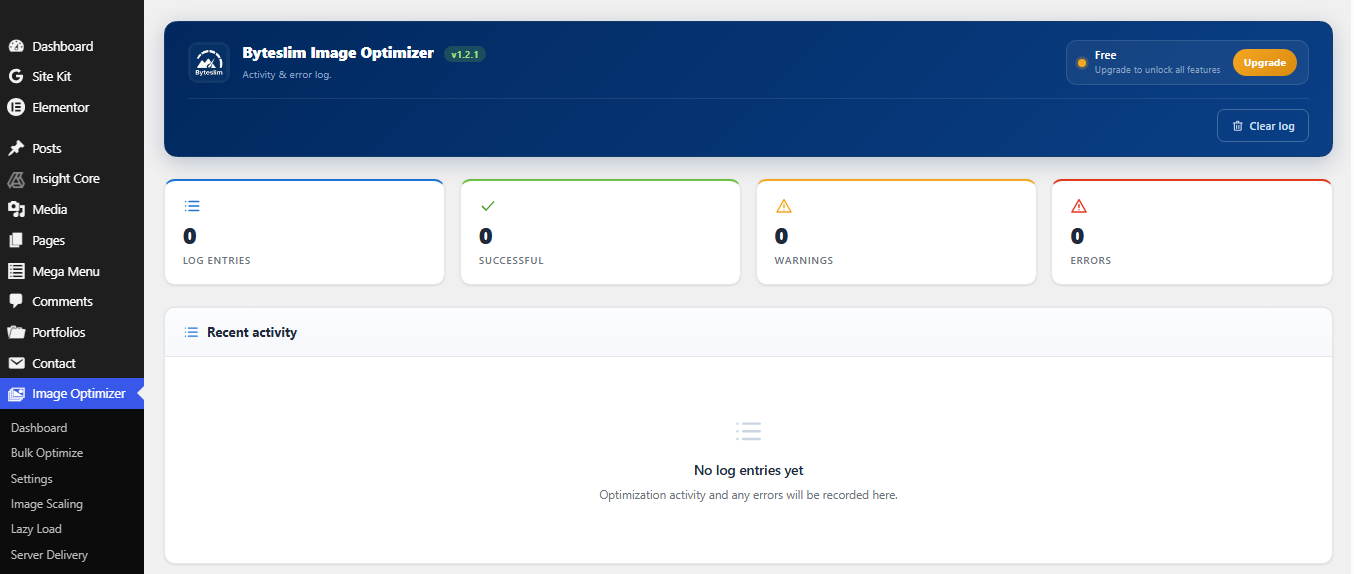
- Activity & error logs
- WP-CLI commands and a read-only REST API
- Translation ready
Premium features
Byteslim Image Optimizer Premium adds automatic scaling of oversized images (resize huge originals down to a maximum you choose, thumbnails rebuilt, original kept restorable), lazy loading with blur-up placeholders and Largest Contentful Paint protection, server-level WebP/AVIF delivery across the whole site (theme and CSS-background images, via .htaccess or an Nginx snippet), AI-generated alt text for accessibility and SEO (bring your own key), media cleanup (find duplicate images and broken records to reclaim space), AVIF conversion, backup & one-click restore of originals, background queue processing, scheduled optimization, WooCommerce/Elementor/Gutenberg/page-builder delivery, advanced analytics and an image health report, and a REST write API.
Premium is available as a low yearly price or a one-time lifetime licence (1, 5 or unlimited sites) — unlimited images, no per-image credits and no bandwidth limits, because it all runs on your own server. Full feature comparison, documentation and licensing: wpdeveloperhub.com/byteslim-image-optimizer
This free plugin makes no external service calls.
Capturas
Instalación
- Upload the plugin to
/wp-content/plugins/byteslim-image-optimizer, or install it from the Plugins screen. - Activate the plugin.
- Go to Image Optimizer Settings and choose your options.
- Use Image Optimizer Bulk Optimize to process images already in your library.
FAQ
-
Why does my Media Library show .webp after optimizing?
-
That is Replace mode (the default). The media file is converted to WebP and the original JPG/PNG is kept as a restorable backup — you’ll see an “Original image” link on the attachment. Prefer to keep the original file untouched? Switch Settings WebP mode to “Serve alongside”.
-
Will optimization damage my images?
-
No. A file is only replaced when the optimized version is actually smaller, PNG compression is lossless, and the original is always kept so you can restore it.
-
My server does not support WebP or AVIF. What happens?
-
Those conversions are skipped automatically and compression still works. Check Image Optimizer Server Status to see what your server supports.
-
Does it work with WooCommerce and page builders?
-
Compression and WebP conversion work for every image. Serving next-gen formats inside WooCommerce, Elementor, Gutenberg blocks and page builders is a Premium feature.
-
Can I run it from the command line?
-
Yes:
wp bslim status,wp bslim stats,wp bslim optimize <id>,wp bslim bulk, andwp bslim reset.
Reseñas

Colaboradores y desarrolladores
«Byteslim Image Optimizer» es un software de código abierto. Las siguientes personas han colaborado con este plugin.
Colaboradores
Traduce «Byteslim Image Optimizer» a tu idioma.
¿Interesado en el desarrollo?
Revisa el código , echa un vistazo al repositorio SVN o suscríbete al registro de desarrollo por RSS.
Registro de cambios
1.2.1
- Hardening: every admin screen now escapes its output at the point of output, including the inline SVG icons, which are filtered through a strict allowlist.
- The “leave a review” link now opens the plugin’s full reviews page instead of a pre-filtered five-star form, so all feedback is visible.
1.2.0
- The plugin is now named Byteslim Image Optimizer. Settings, statistics, optimization history and licence activation are migrated automatically on upgrade — nothing needs to be re-entered.
- Note: the admin menu now lives under Byteslim, so any bookmarks to the old settings URL need updating.
1.1.1
- Fix: attachments left labelled the wrong file type by other optimizers (a .webp/.avif stored as image/jpeg) are now corrected automatically on upgrade and when processed, so they stop being queued as images that can never be optimized.
- Fix: Bulk Optimize now reports optimized, skipped and failed counts separately — images that were already done or unsupported are no longer counted as fresh work.
- Fix: when the server cannot generate AVIF, it is skipped with a clear logged reason instead of recording empty coverage.
- Fix: image markup is left untouched on AMP pages, which do not allow the element.
- Tweak: author footer logo now sits on a rounded white background so it stays visible.
- Tweak: refreshed the premium features overview shown to free users.
- Compatibility: marked tested up to WordPress 7.1. Server-side optimization works alongside 7.1’s client-side media processing (the plugin optimizes whatever file arrives and falls back cleanly).
1.1.0
- New: WebP “Replace” mode (default) — the media file itself becomes WebP so the Media Library shows
.webp, while the original JPG/PNG is kept and fully restorable. - New: “Restore original” action in the Media Library for WebP-replaced images.
- New: WebP mode setting (Replace / Serve alongside).
- New: redesigned admin — branded header, KPI cards, coverage meters, image-health panel and author footer.
- Fix: images that failed to encode were incorrectly marked as optimized, which made a re-run of Bulk Optimize do nothing. Failures are now retried and recorded with a reason, and a failed count is shown.
- Fix: added a GD fallback when Imagick is blocked by host policy/resource limits, so large JPEGs no longer fail silently.
- Fix: unified how “optimized” is counted across the dashboard, the bulk job and the statistics.
- Fix: removed a byte-order mark that produced an “unexpected output” / “headers already sent” warning on activation.
- Fix: the log table now self-heals if it is missing.
1.0.0
- Initial release: compression, WebP conversion & delivery, bulk optimizer with resume, statistics dashboard, system/CDN detection, logs, WP-CLI and REST API.